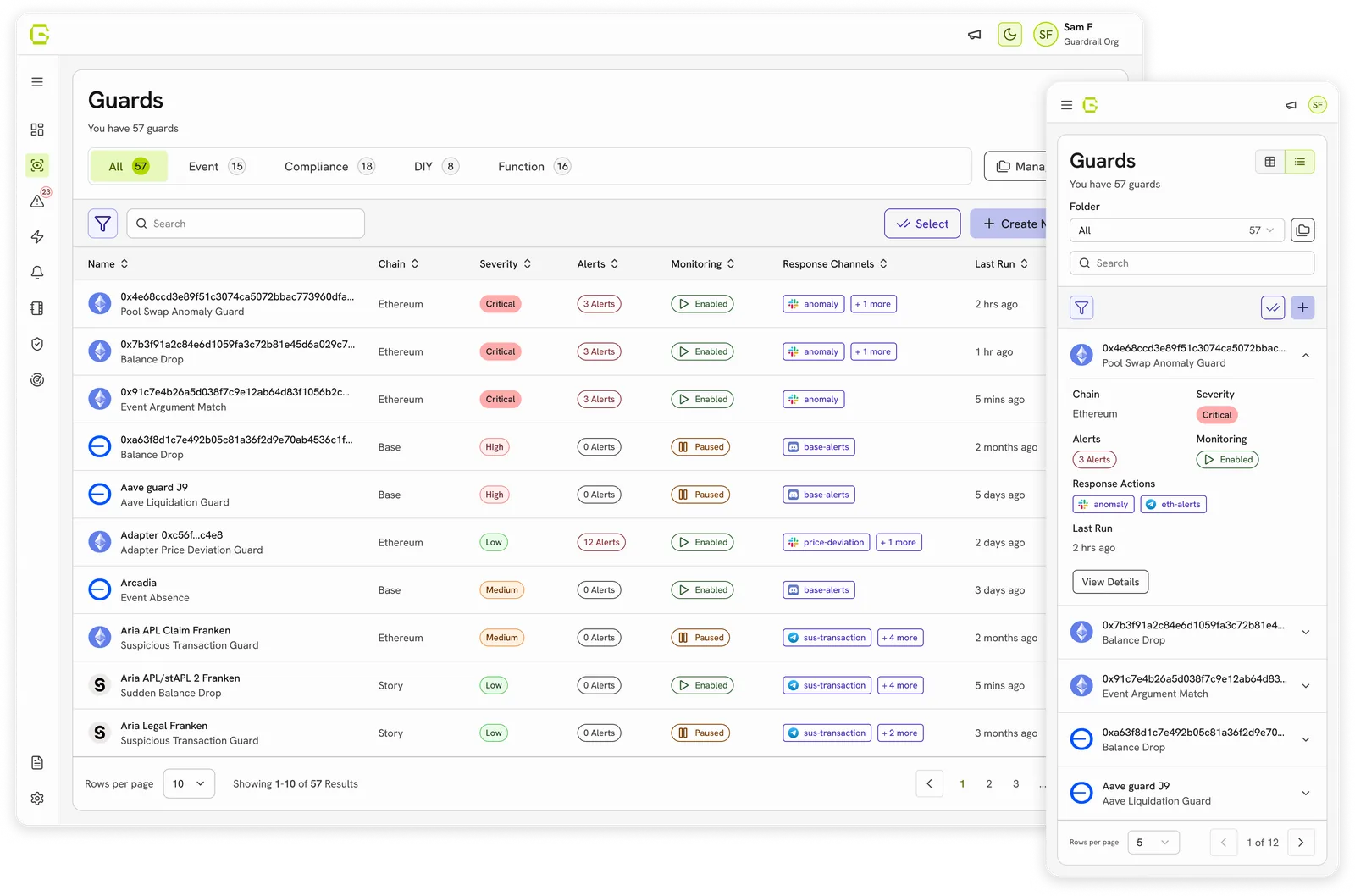
Guardrail AI: One Cohesive System
Created a design system used to redesign and build new features on.
Multi-material masking, a mode leaving the rest of the workspace usable.
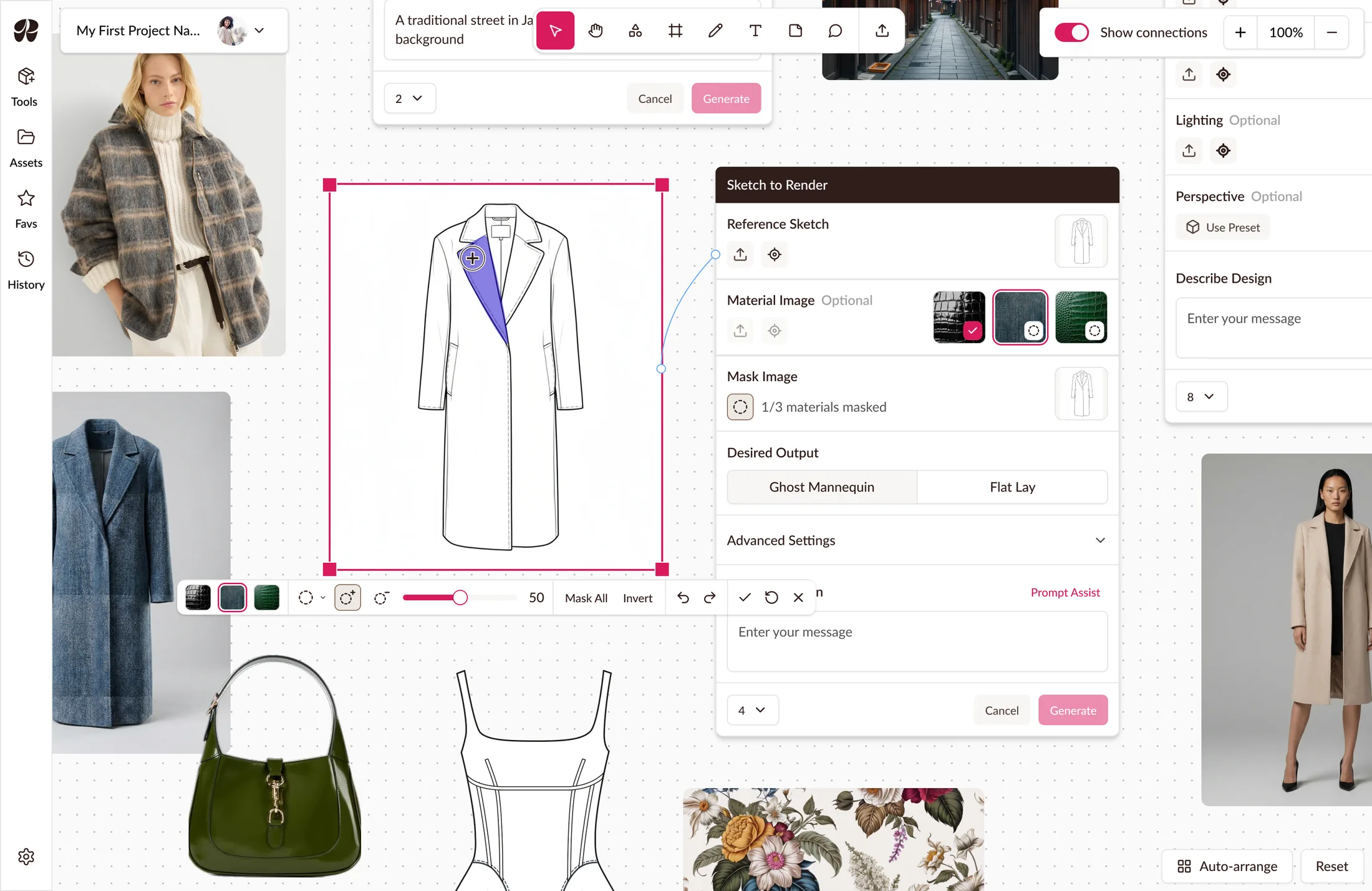
Raspberry AI turns fashion sketches into photorealistic renders for brands like Steve Madden and Levi's. Boards, its canvas workspace, lets designers compare options side by side while images generate.
Sketch to Render had shipped in Boards but multi-material masking hadn't. Applying fabric to part of a garment still meant leaving Boards for the classic app's modal. I designed masking as a canvas mode instead of a window, so the rest of a designer's options stay reachable. Shipped and still live.
Masking is where a designer makes decisions worth comparing. In the classic app it happened in a modal: a window that takes over the screen, does its job, and hands you back.
A modal would have worked but masking is exactly when they’d want to review options and reference existing designs.
A modal on top puts the board out of reach.
Porting the modal on top of the canvas was the safe option: proven, focused, with room for every control.
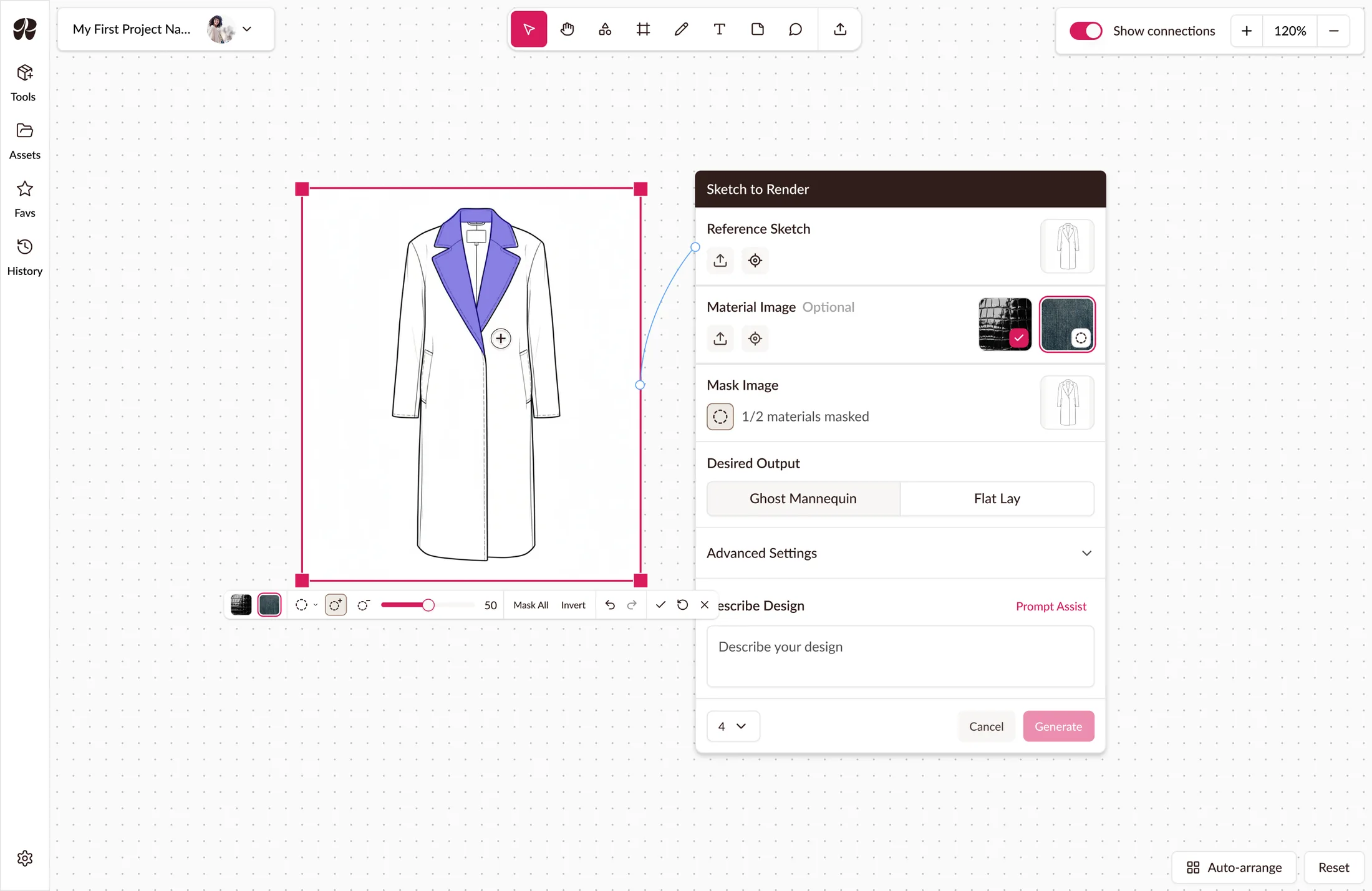
I made masking a mode instead. Uploading a material image and entering masking mode focuses the image and raises a toolbar carrying all selection tools, materials, and controls. The canvas stays visible behind it.
The reason is the same one that justifies creating Boards: masking is where a designer decides what differentiates one option from others on the canvas. A modal preserves the work underneath, but every check means multiple actions (close it, look, reopen).
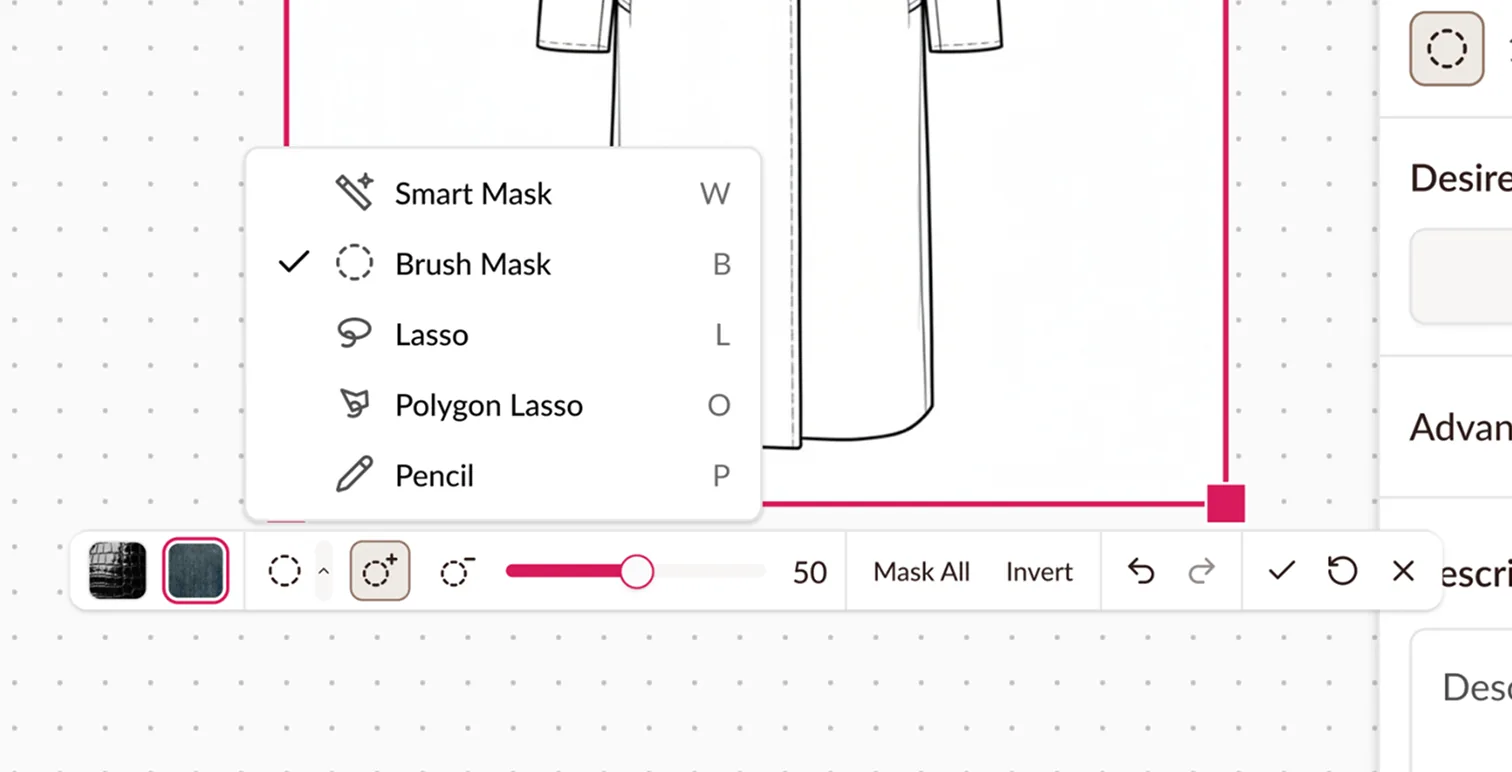
Moving onto the canvas traded space for navigation. Selection tools nest in a dropdown and switching costs an extra click. The canvas already pans and zooms so masking’s navigation came off the toolbar entirely, combining two systems into one.
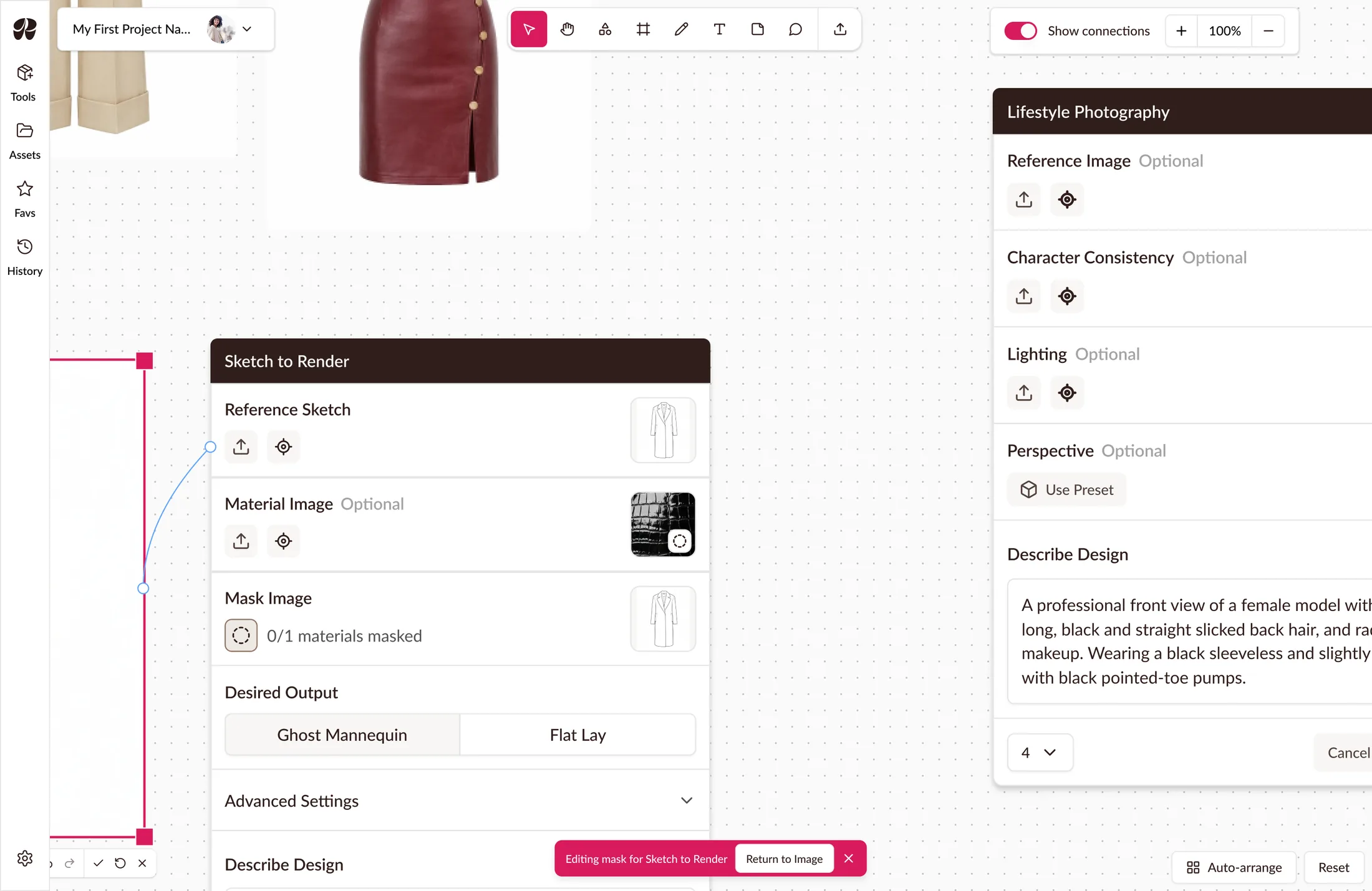
The new navigation raised a new question: does the canvas stay live while masking?
Locking it would have been safer, but a frozen canvas recreates the modal’s problem in a different form: the board visible, still unreachable. There’s little point moving masking onto the canvas if it stops working the moment you use it.
The cost is that a designer can navigate away from the image mid-edit. The toolbar anchors to the image rather than the viewport, tracking its position and holding its size as the canvas zooms. If someone pans away, a snackbar offers to take them back.
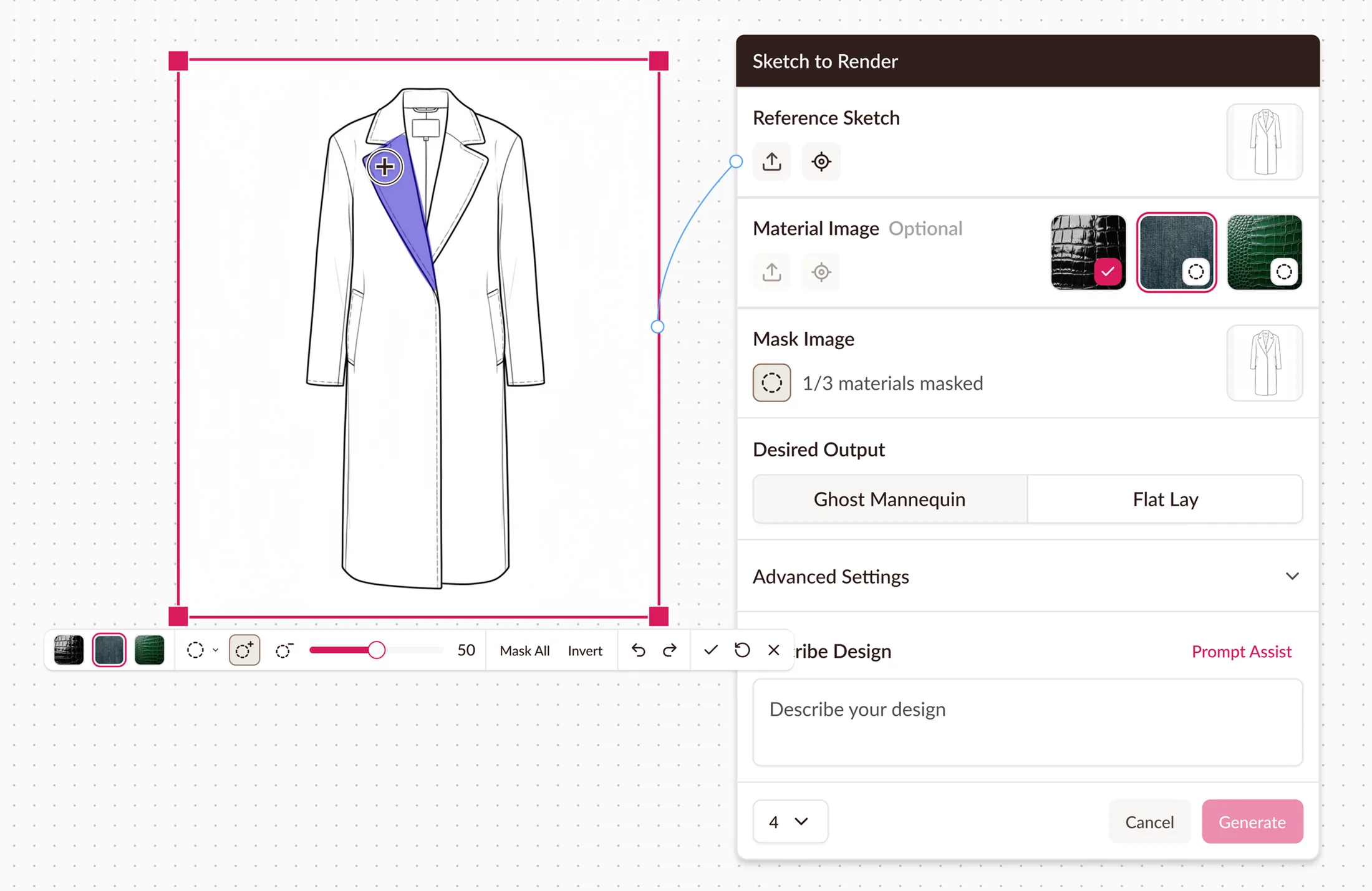
The node holds up to three materials, mirrored from the toolbar, visible even when masking is closed, tracking state and letting a click reopen masking directly. It also gates generation: disabled until all materials are masked, with a running count showing what’s left.
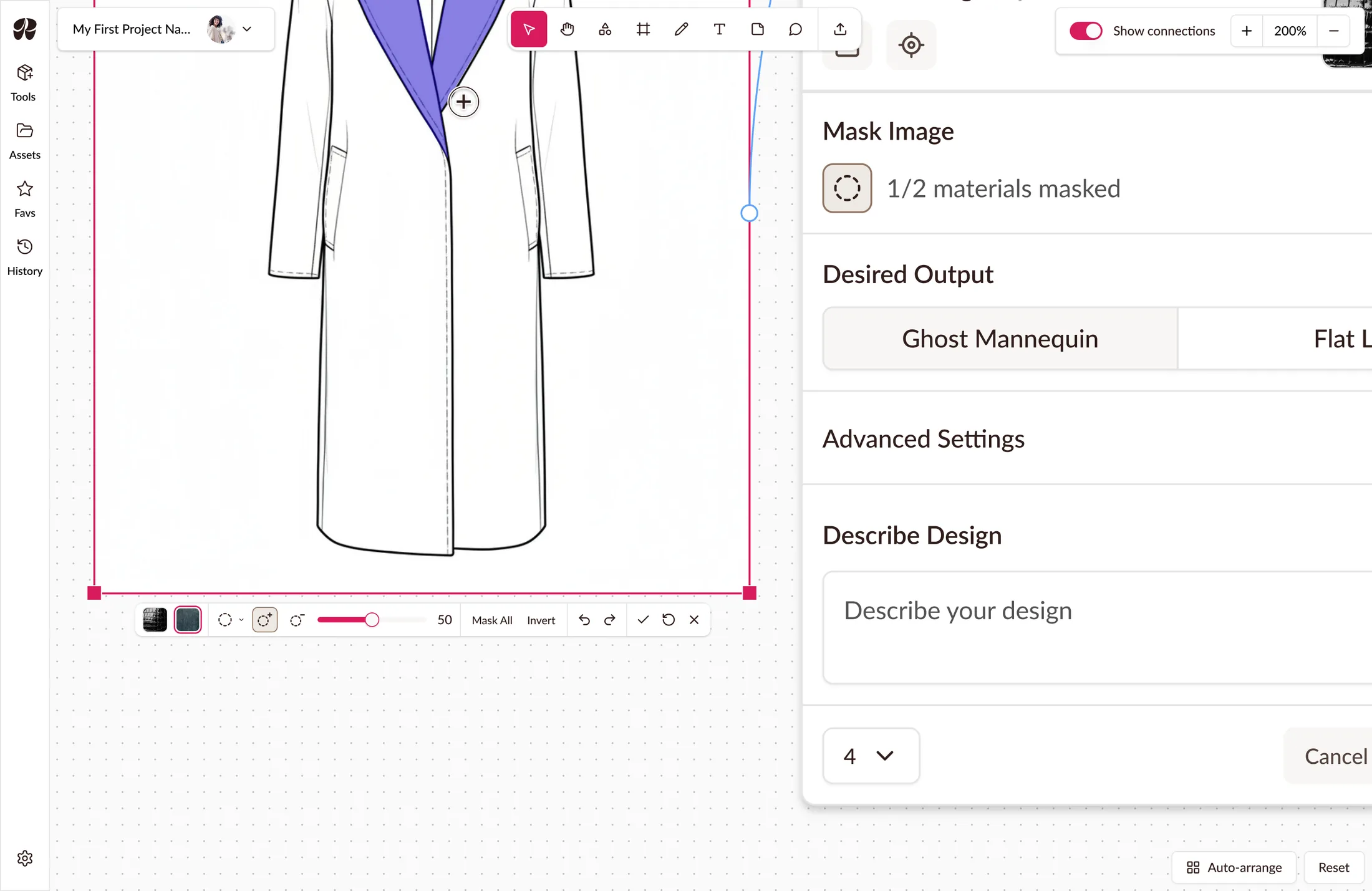
The toolbar anchors to the image and holds its size through zooms so it doesn’t get lost while panning and never renders as a four-pixel strip or oversized slab.
Undo, redo, save, reset, and close.
Two exits: save then leave, or leave without saving.
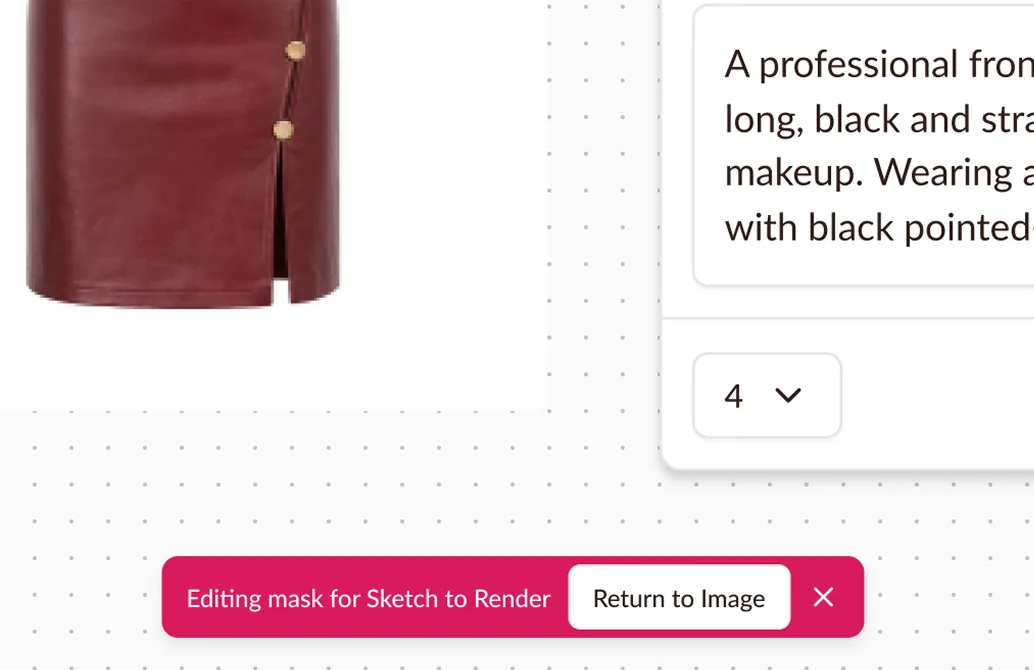
Panning away doesn’t end masking. A snackbar keeps the mask open, offering a route back or an exit. It’s a status indicator, not a notification, so it stays until resolved. A self-dismissing one fails whoever takes longest to reach it.
The behaviours that mattered here were better demonstrated than described: a toolbar that follows an image’s position but not its scale, a snackbar that fires when a pan carries you off the image.
I prototyped masking mode with Claude Code and walked through it live with the Raspberry team. Questions got answered by doing rather than describing. It shipped mostly as designed, the only change being a text reset button instead of an icon.
Masking data was requested but unavailable. There’s no mask event and no mask flag on generation. The only trace is a generic click on the toolbar labels, which misses anyone who masks by brushing and confirming. That’s a floor, not a count.
The measures I’d want are whether designers actually moved to masking in Boards, and how often a mask session ends with panning away and returning through the snackbar — the one decision here that predicted a behaviour, and so the one a number could actually settle.
Nesting tools in a dropdown cost a click that used to be free: switching selection tools mid-mask. I took that trade to keep the toolbar small enough for the canvas, but it's the first thing I'd revisit. Surfacing the two or three most-used tools would save a click on nearly every mask, but which ones is a question about usage, and that data was unavailable to me. If designers turned out to still be leaving Boards to mask in Classic, that dropdown would be my first suspect.
Created a design system used to redesign and build new features on.
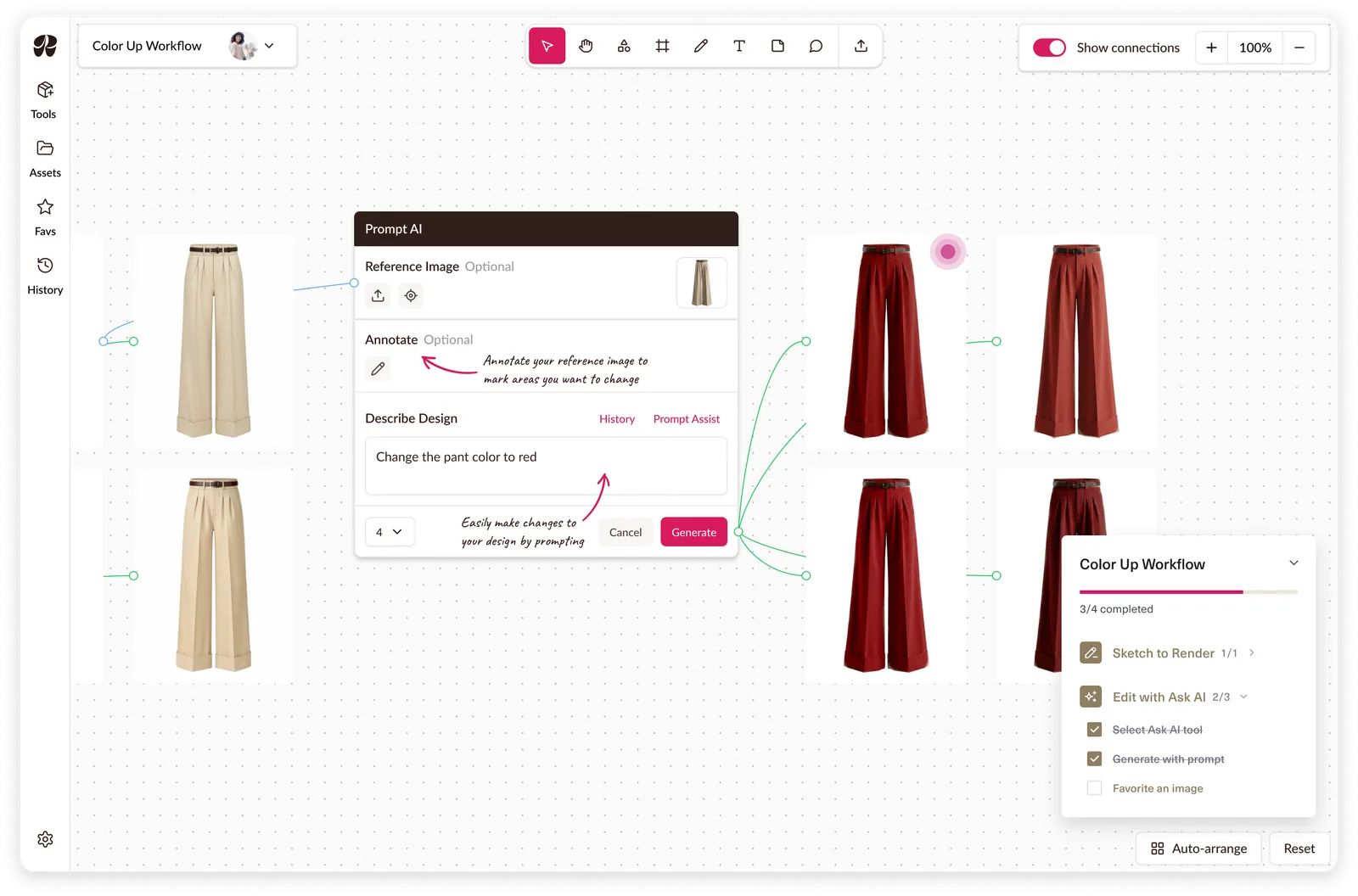
A guided tutorial system built around workflows to reduce onboarding calls.